Item Availability
Who is this article for?
Account owners, or team members with:
- Manage sales shifts
- View menus
Set permissions in All Apps > Settings > Roles.
Ran out of something? Mark items as unavailable so staff and self-ordering customers can't order them.
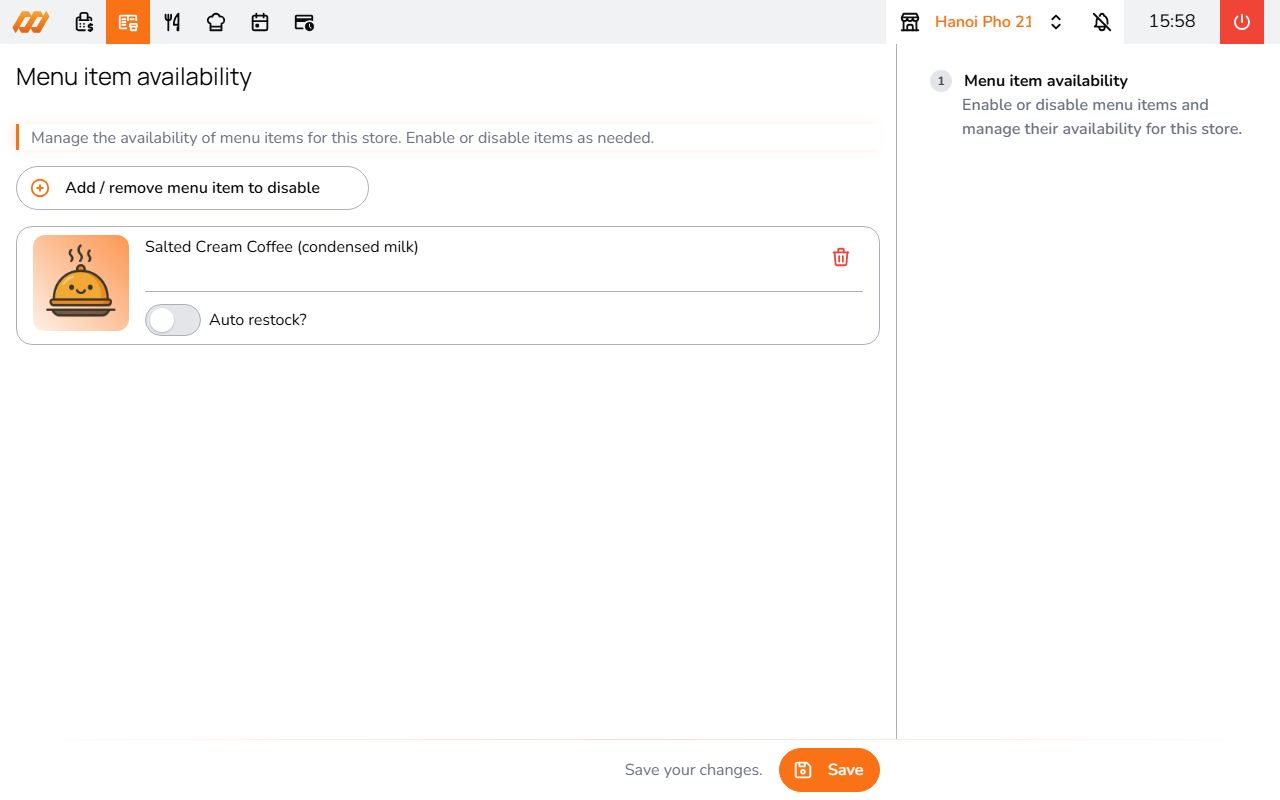
Setting availability
- Go to All Apps > Sales operation > Item Availability
- Select the store
- Find the item
- Toggle it off
Changes take effect immediately. The item disappears from POS and self-ordering menus until you toggle it back on.
When to use this
- Ingredient ran out mid-service
- Seasonal item not available today
- Equipment issue (e.g., grill is down)
This is temporary and per-store. Different from making an item Inactive in menu settings, which hides it globally.