Order History
Who is this article for?
Account owners, or team members with:
- View all orders
Set permissions in All Apps > Settings > Roles.
Browse and search all past orders.
Accessing order history
Go to All Apps > Sales operation > Order History
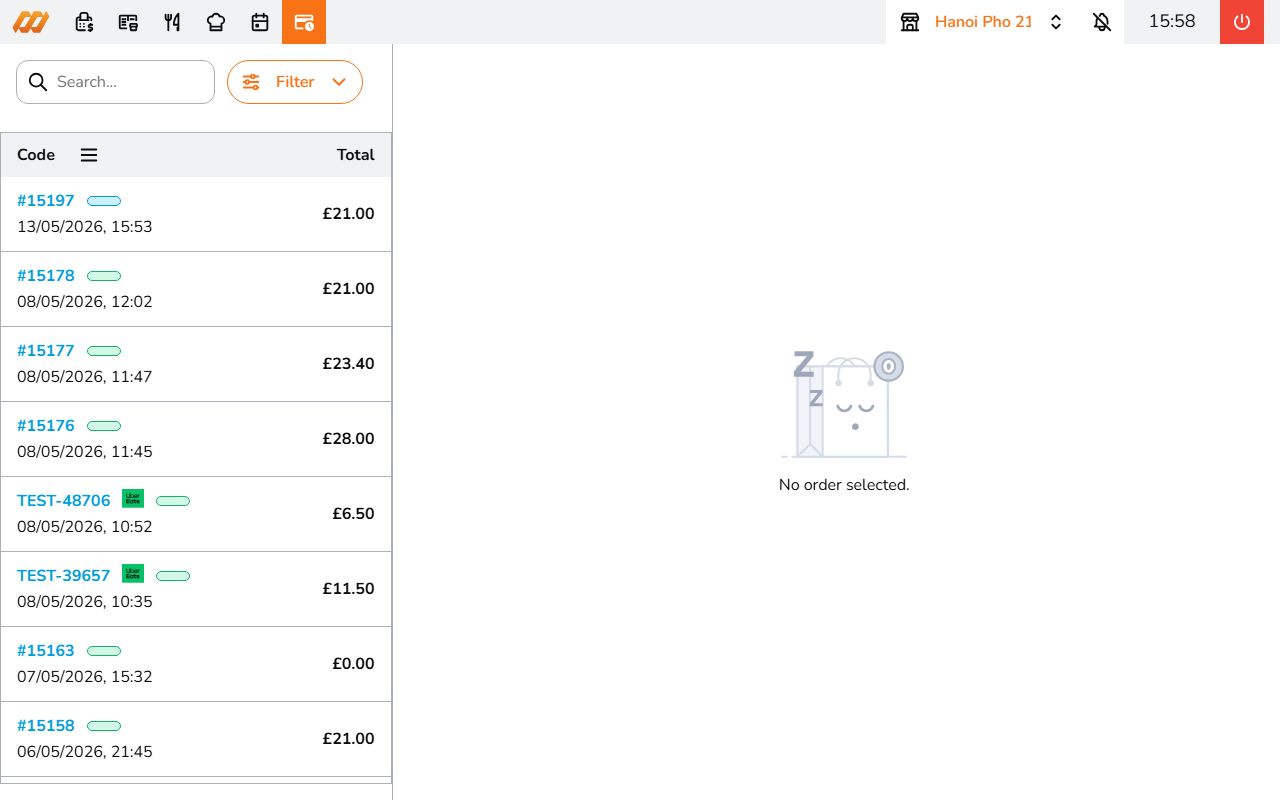
Searching orders
Use the search bar at the top to find orders by code or customer name.
Filtering
Tap the Filter button to narrow results:
By date:
- Today
- Yesterday
- This week
- This month
- Custom date range
By status:
- Draft
- In progress
- Completed
- Cancelled
By order method:
- Dine in
- Take away
- Delivery
Tap Apply to update the results.
Viewing order details
Click any order in the list to see the full details on the right panel (on desktop) or full screen (on mobile).
Tap the three-dot menu for more actions:
- Print receipt - print the order receipt
- Mark as ongoing - reopen a completed order back to ongoing status. Useful if you need to make changes to a finished order
- Issue refund - refund a paid order. See Refunds for details